

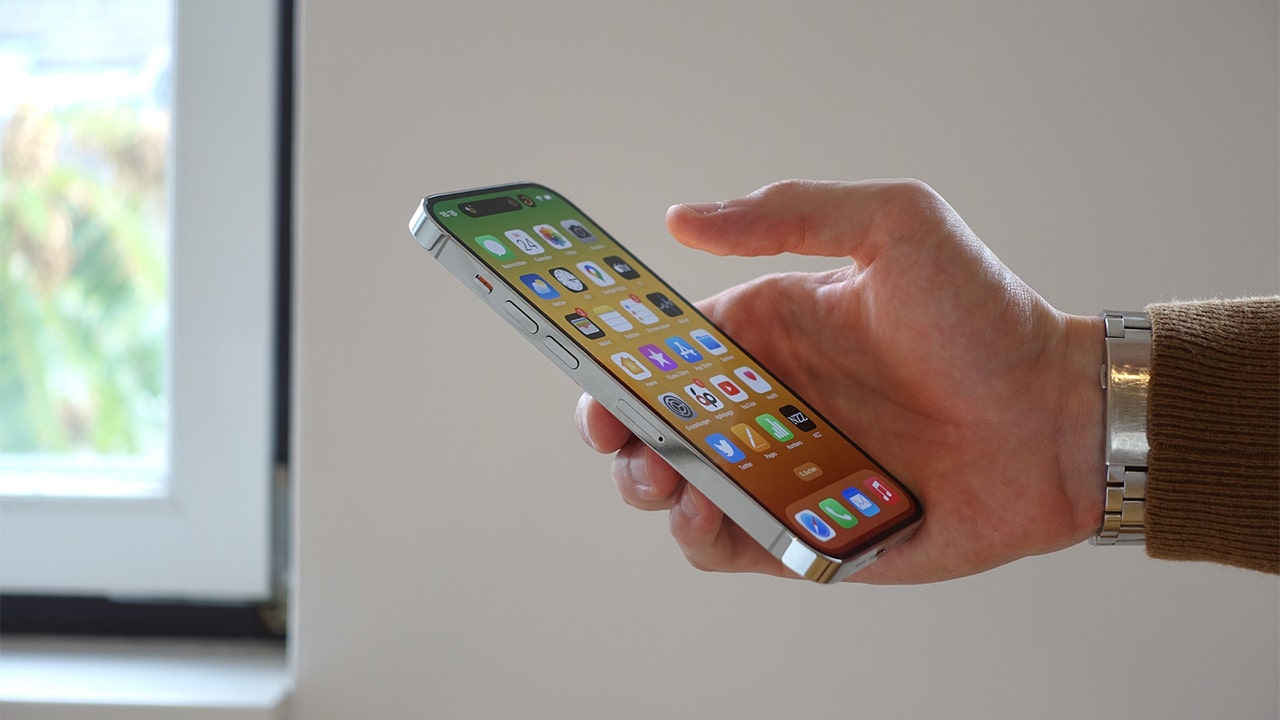

In the age of smartphones, many users often find their devices running low on storage space due to an array of applications, photos, and files. For iPhone users, a particularly insidious issue is the accumulation of duplicate photos and videos that quietly consume storage without notice. This article provides comprehensive tips and insights on how to identify and eliminate these duplicates efficiently, enabling users to reclaim valuable space on their devices. Additionally, it will highlight further methods to manage and preserve storage for optimal performance.
| Article Subheadings |
|---|
| 1) The secret folder eating your storage |
| 2) How to clear duplicates |
| 3) More space-saving tricks |
| 4) Effective strategies to manage app data |
| 5) Key takeaways for maintaining device storage |
The secret folder eating your storage
Apple devices come equipped with numerous features designed to enhance user experience, but some of these features can lead to unexpected storage issues. One such feature is the Duplicates folder in the iPhone’s Photos app. The Duplicates folder automatically consolidates all duplicate files detected on the device, often resulting from receiving the same image multiple times via different messaging platforms. For many iPhone users, discovering this hidden folder can be a revelation, as they often underestimate how many identical files they possess.
This unforeseen collection of duplicate photos and videos can consume valuable gigabytes of storage. Not only does this situation bog down the performance of the device, but it can also lead to frustration for users when they try to take new photos or download apps, only to be met with storage limitation messages. It is crucial to take a proactive approach to managing this space, and the first step involves accessing the Duplicates folder to evaluate and clear out unnecessary files.
How to clear duplicates
Clearing duplicates from your iPhone is a straightforward process that can yield immediate improvements in device performance. Start by opening your Photos app and navigating to the Utilities section, where you will find the Duplicates tab. Tapping on this tab will unveil a list of duplicate photos and videos waiting to be reviewed.
Each identified duplicate file will have a ‘Merge’ button adjacent to it, allowing users to consolidate files easily. When you’re ready to clean up, simply tap ‘Merge’ next to the duplicates you wish to eliminate. A confirmation pop-up will appear, detailing the number of exact copies ready for merging. Confirm your selection and wait for the process to complete, which often takes just a few moments depending on the volume of duplicates.
To expedite the cleanup, the app also offers a ‘Select’ option allowing users to highlight multiple duplicates at once. For holistic cleanup, users can choose ‘Select All’ and then confirm the merge, making the process swift and efficient. This not only reduces storage consumption but also enhances the user experience by decluttering the photo library.
More space-saving tricks
Once the duplicates are cleared, iPhone users can adopt additional techniques for managing storage effectively. Begin by heading to the Settings app, tapping on General, and selecting iPhone Storage. This will present a detailed breakdown of how storage is allocated across various applications and files. From here, users can identify which apps or files are consuming the most space.
Apple’s recommendations feature, located at the top of the iPhone Storage page, is particularly beneficial. It provides personalized suggestions based on individual usage patterns, such as offloading unused apps or deleting large message attachments. Following these recommendations can free up considerable amounts of storage.
In addition to reviewing files, users should also consider enabling options like automatic message deletion for conversations older than a year and managing media downloads to keep only recent episodes. This proactive approach can drastically reduce clutter on the device and ensure that essential storage is reserved for important applications and new content.
Effective strategies to manage app data
When addressing storage issues, managing app data is also vital. Many applications accumulate extensive cache and storage data over time, potentially leading to significant space utilization. To manage this effectively, users should regularly check app settings for options to clear caches and manage their downloaded content. Applications like streaming services and social media platforms often have features that allow users to delete unnecessary data and free up storage directly within their settings.
For users who rely heavily on messaging applications, considering the deletion of unnecessary conversations or large file attachments can also help maintain optimal storage levels. Regular checks on app data can result in consistent device performance and a much smoother user experience.
Key takeaways for maintaining device storage
By implementing these space-saving tricks, iPhone users can effectively manage their storage and enhance the performance of their devices. Regularly checking the Duplicates folder, cleaning up unnecessary files, and adhering to Apple’s storage recommendations can collectively maintain device efficiency without the need for costly upgrades or additional storage purchases. Periodic reviews of storage usage not only prevent future storage issues but also ensure users are continually making the most out of their devices.
| No. | Key Points |
|---|---|
| 1 | Utilize the Duplicates folder to identify and merge duplicate photos and videos. |
| 2 | Regularly review your app data to clear caches and unnecessary downloads. |
| 3 | Leverage Apple’s storage recommendations for personalized optimization. |
| 4 | Delete old messages and attachments to reclaim valuable storage space. |
| 5 | Frequent checks and regular maintenance can prevent storage-related issues. |
Summary
In conclusion, the effective management of storage on an iPhone is essential for ensuring a seamless user experience. By actively monitoring for duplicates and applying various strategies to maintain app data and files, users can preserve their devices’ performance and longevity. The significance of this endeavor lies not only in the capacity to store more media but also in maintaining a smooth, efficient, and frustration-free digital experience.
Frequently Asked Questions
Question: How can I find duplicate photos on my iPhone?
You can find duplicate photos by accessing the Photos app, scrolling down to the Utilities section, and tapping on the Duplicates tab, where the app will list all duplicate files for review.
Question: What should I do if my iPhone storage is full?
If your iPhone storage is full, consider reviewing your storage usage in Settings, clearing out duplicate photos, deleting old messages and attachments, and reviewing large downloads from apps for deletion.
Question: Are there any apps that can help manage storage on my iPhone?
While the Photos app has built-in features for managing duplicates, several third-party applications can assist in clearing caches and analyzing storage usage to help you reclaim space effectively.
