

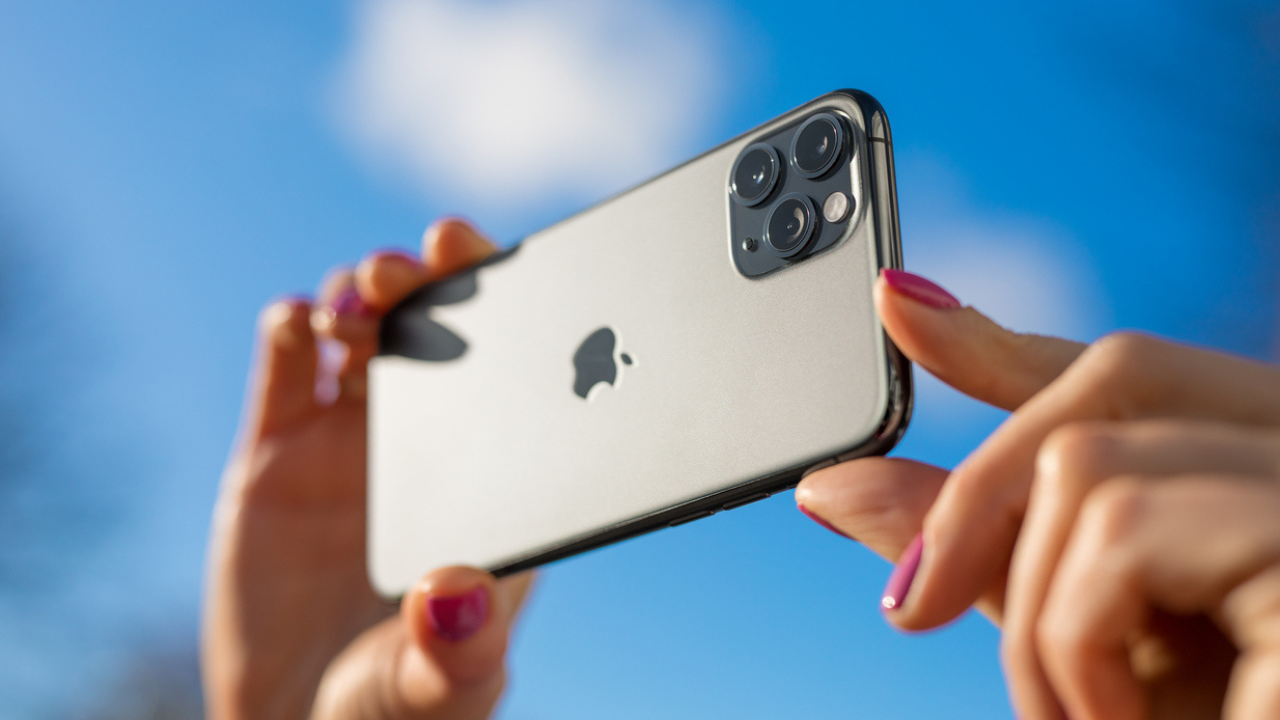

Apple has introduced exciting new features in its iOS 27 update, particularly within the Photos app that enhance user experience through artificial intelligence. The new tools, named Extend and Reframe, allow users to modify photos more creatively than traditional cropping methods, providing the ability to generate additional background and adjust perspectives. These functionalities, comparable to those offered by leading smartphone competitors like Samsung and Google, promise to significantly improve how users edit and enhance their photographic captures.
| Article Subheadings |
|---|
| 1) Overview of Apple’s iOS 27 Updates |
| 2) Features of Extend and Reframe Tools |
| 3) Compatibility of New Tools |
| 4) How to Use Extend and Reframe on iPhone |
| 5) Alternatives on Other Smartphone Brands |
Overview of Apple’s iOS 27 Updates
Apple’s ongoing innovation in smartphone technology is evident in the latest update of iOS 27, which features revolutionary tools aimed at enhancing photo editing abilities. This update focuses on utilizing Apple Intelligence, a sophisticated form of AI built into devices to improve user experience across various applications. Users can now explore new ways of editing photos that cater to common issues faced when photographing subjects. The initiative reflects Apple’s commitment to integrating technology and creativity, allowing users to achieve better results with minimal effort. By minimizing the limitations of traditional cropping, which simply removes parts of an image, Apple encourages users to reimagine their photography.
Features of Extend and Reframe Tools
Two standout features introduced in iOS 27 are the Extend and Reframe tools. The Extend feature provides users the capability to expand an image beyond its original borders, effectively creating more space around a subject. For example, if a person is positioned too near the top of an image, Apple Intelligence can intelligently generate additional background elements, enhancing overall composition.
On the other hand, the Reframe feature takes editing a step further by allowing users to alter the perspective of a photo post-capture. Users have the option to shift the image, zoom in, or rotate it, while the AI generates additional parts of the image as needed for the new composition. This capability is particularly useful when dealing with poorly framed shots, enabling users to salvage images that would otherwise be discarded. However, users are advised to carefully review the AI-generated areas for accuracy, especially around complex details like faces and backgrounds.
Compatibility of New Tools
The Extend and Reframe tools are available on a range of devices powered by Apple Intelligence, specifically those equipped with iOS 27 or later versions. Compatible devices include the iPhone 15 Pro, iPhone 15 Pro Max, and subsequent models in the iPhone 16 lineup,” Apple stated. Users need to ensure their devices meet these criteria to access these innovative features. It is important to note that some capabilities may be limited based on the user’s language and geographical location. Consequently, owners of older iPhone models that can install iOS 27 but lack Apple Intelligence will not be able to utilize the aforementioned editing tools.
How to Use Extend and Reframe on iPhone
Utilizing the Extend feature on an iPhone is straightforward. First, users should open the Photos app and select the image they wish to edit. The editing process unfolds as follows:
- Tap the Edit button, represented by three horizontal sliders.
- Select the Tools option.
- Tap on Extend.
- Pinch or drag the photo to create additional space around the subject.
- Users can also modify the edge of the frame if they need to adjust the crop further.
- Once satisfied, users should tap Extend to apply the changes.
- It is advisable to carefully review the AI-generated results to ensure quality.
- Finally, users can finish by tapping Done twice.
If a user wishes to revert the changes made with Extend, Apple allows users to revisit the editing tools and reset any modifications. This flexibility ensures users can adjust their edits according to preference.
Alternatives on Other Smartphone Brands
In addition to Apple’s advancements, competitors like Samsung and Google have developed comparable photo editing tools that also capitalize on AI technology. Samsung Galaxy devices utilize a feature called Galaxy AI Photo Assist. This tool includes various functionalities, prominently featuring the Move tool, which permits users to shift, rotate, or resize portions of an image. By applying generative AI, the background is seamlessly generated to fill in areas left empty due to edits.
Similarly, Google Photos incorporates an Auto frame feature, designed to recompose tightlycropped or poorly framed photos. This function utilizes AI to intelligently fill in background areas, allowing users to improve their captured images. For optimal user experience, these features are available on compatible devices, which should be updated regularly to access the latest functionalities. Users are encouraged to check for updates to their respective apps to ensure they have access to these innovative tools.
| No. | Key Points |
|---|---|
| 1 | Apple introduced new photo editing tools in iOS 27, namely Extend and Reframe. |
| 2 | Extend allows users to add background to images, enhancing the composition. |
| 3 | Reframe lets users change the perspective and composition of photos after capture. |
| 4 | These tools are compatible with iPhone 15 Pro, Pro Max, and later models. |
| 5 | Competitors Samsung and Google offer similar functional enhancements to their photo editing apps. |
Summary
The introduction of the Extend and Reframe tools in iOS 27 highlights Apple’s commitment to empowering users with advanced editing capabilities that personalize and improve photography experiences. By adopting AI technologies, Apple not only enhances the functionality of its devices but also positions itself alongside competitors, fostering a richer environment for mobile photography. As these tools evolve, they have the potential to redefine how photographs are edited and perceived, encouraging users to leverage technology creatively.
Frequently Asked Questions
Question: What are the new tools introduced in iOS 27 for photo editing?
iOS 27 introduced two significant tools in the Photos app: Extend and Reframe. Extend allows users to add background space around an image, while Reframe enables users to adjust the perspective and composition after taking a photo.
Question: Which devices are compatible with the Extend and Reframe tools?
The Extend and Reframe tools are available on the iPhone 15 Pro, iPhone 15 Pro Max, and iPhone 16 models or later that support Apple Intelligence and run iOS 27 or other subsequent versions.
Question: How do Extend and Reframe differ from traditional photo editing methods?
Unlike traditional cropping, which removes parts of an image, Extend and Reframe use AI to generate new areas and adjust perspectives, making it possible to enhance photos creatively without permanently losing any original content.
