

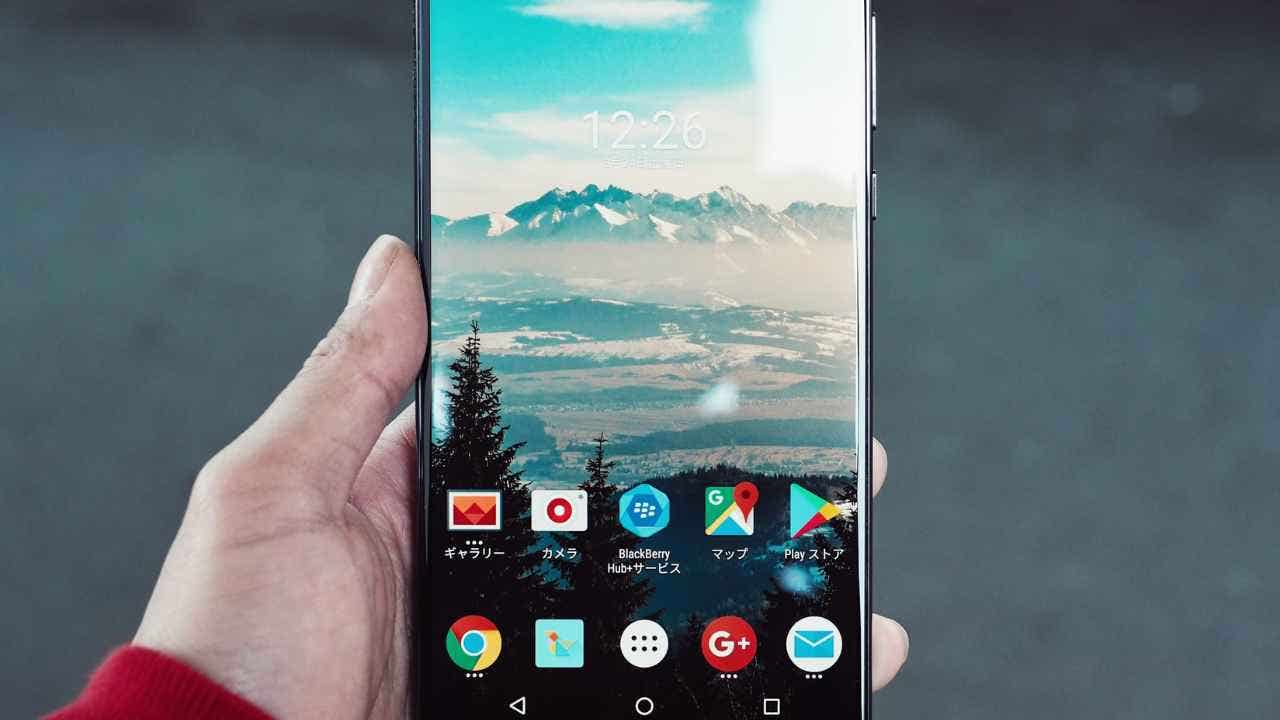

In today’s fast-paced world, smartphones are intended to enhance our lives by saving time and helping us stay organized. However, complications like frequent notifications and digital clutter can often overshadow their intended purpose. By implementing a few strategic settings, users can make their devices work harder for them, thereby improving efficiency and minimizing distractions. Below, we explore five ways to optimize your smartphone and reclaim valuable time in your daily routine.
| Article Subheadings |
|---|
| 1) Use keyboard shortcuts to speed up typing on your phone |
| 2) Schedule Do Not Disturb mode to reduce phone interruptions |
| 3) Set location-based reminders to never forget important tasks |
| 4) Automatically delete old text messages to free up phone space |
| 5) Enable auto-updates for apps to keep your phone secure and updated |
Use keyboard shortcuts to speed up typing on your phone
Frequent typing can be a considerable drain on time and focus, especially when messages or commonly used phrases need to be entered repeatedly. Utilizing built-in text shortcuts can drastically reduce this burden. This feature allows users to replace lengthy phrases with a simple shortcut, leading to increased typing efficiency.
On an iPhone, users can navigate to Settings, then General, followed by Keyboard, and finally select Text Replacement. By clicking the “+” button, one can enter commonly used phrases along with a corresponding shortcut. For example, typing “@@” can instantly populate an email address.
Android users can set shortcuts through similar pathways, though the steps may vary slightly based on the device model. First, go to Settings, and then select General management. After enabling Samsung Keyboard as the default, users can click on Text Replacement to add their own shortcuts. Defensive shortcuts for frequently used greetings or addresses can streamline texting, making it much quicker and less tedious.
Schedule Do Not Disturb mode to reduce phone interruptions
Notifications can be a significant source of distraction, often interrupting crucial tasks and disrupting focus. The Do Not Disturb mode, which can be scheduled, enables users to control when their phone allows notifications, thereby minimizing distractions effectively.
On iPhones, navigating to Settings and selecting Focus opens a menu where one can choose different focus modes, including Do Not Disturb. Users can configure rules for specific times or locations where notifications will be muted. The option to prioritize messages from essential apps or contacts—such as work-related platforms like Outlook and personal contacts—provides a balanced approach for handling urgent communications.
Android users can take advantage of customizable Do Not Disturb settings found in the Focus section of their Settings. This allows users to create detailed rules that dictate when and how notifications appear, minimizing disturbances during work hours, sleep, and travel. By automating these settings, users can achieve a quieter and more focused mental state.
Set location-based reminders to never forget important tasks
Traditional reminder systems often require users to remember specific times to receive notifications. However, location-based reminders allow tasks to pop up automatically when users arrive at or depart from specific places. This innovative feature helps streamline daily routines and ensures important tasks are not overlooked.
On iPhones, the built-in Reminders app simplifies this process. After creating a new reminder and selecting Details, users can toggle on Location to specify where a reminder will activate. For example, setting a reminder to ‘pick up groceries’ can trigger as soon as the user arrives at their local grocery store.
Android users can utilize the Google Keep application. By creating a note and tapping on the reminder icon, users can select a location-based reminder in a similarly straightforward manner. This capability transforms smartphones into personal assistants, always ready to gently prompt users of essential tasks as they navigate their day.
Automatically delete old text messages to free up phone space
Managing text messages over time can become cumbersome, with many users finding themselves sifting through years of old conversations. Fortunately, smartphones allow users to set the device to automatically delete outdated messages, thus conserving valuable storage space and facilitating ease of navigation.
For iPhones, navigating to Settings, then Apps, followed by Messages facilitates access to the Message History option. Users can choose to maintain message history for 30 days, one year, or indefinitely— automated cleanup can help streamline communication and ensure current messages are easy to access.
Android users should open the Messages app and delve into Settings for a similar process. Finding options to auto-delete old messages enables users to significantly declutter without requiring regular manual intervention.
Enable auto-updates for apps to keep your phone secure and updated
In a landscape where security threats are prevalent, staying updated with the latest app versions is essential. By enabling auto-updates, smartphone users can ensure they benefit from the latest features and security patches without needing to take manual action.
For iPhone users, accessing Settings, followed by Apps and App Store, provides the option to toggle on App Updates. Similarly, Android users can open the Play Store, tap the profile icon, and navigate to Settings, where they can choose to enable auto-updates for apps over Wi-Fi or cellular data. This simple adjustment guarantees that devices remain secure and performance is optimized, thus saving time and effort spent on manual updates.
| No. | Key Points |
|---|---|
| 1 | Keyboard shortcuts can significantly reduce typing time. |
| 2 | Scheduled Do Not Disturb mode can minimize distractions during important tasks. |
| 3 | Location-based reminders help ensure tasks are not forgotten. |
| 4 | Auto-deleting old messages saves storage space and keeps communication streamlined. |
| 5 | Enabling auto-updates helps keep apps secure and up-to-date with the latest features. |
Summary
Implementing these five features into your smartphone usage can drastically enhance efficiency and reduce daily friction. By taking the time to set keyboard shortcuts, schedule Do Not Disturb hours, establish location-based reminders, automate message deletions, and ensure prompt app updates, users can optimize their digital experience. This not only saves time but also refines the way individuals interact with technology, ultimately leading to improved productivity and less stress in navigating daily tasks.
Frequently Asked Questions
Question: How do keyboard shortcuts work on smartphones?
Keyboard shortcuts allow users to replace a lengthy phrase with a simple abbreviation, thus speeding up the typing process.
Question: What are the benefits of using Do Not Disturb mode?
Do Not Disturb mode reduces interruptions from notifications, allowing users to focus during designated times.
Question: How can location-based reminders assist my productivity?
They trigger reminders based on your physical location, ensuring important tasks are not overlooked regardless of the time.
