

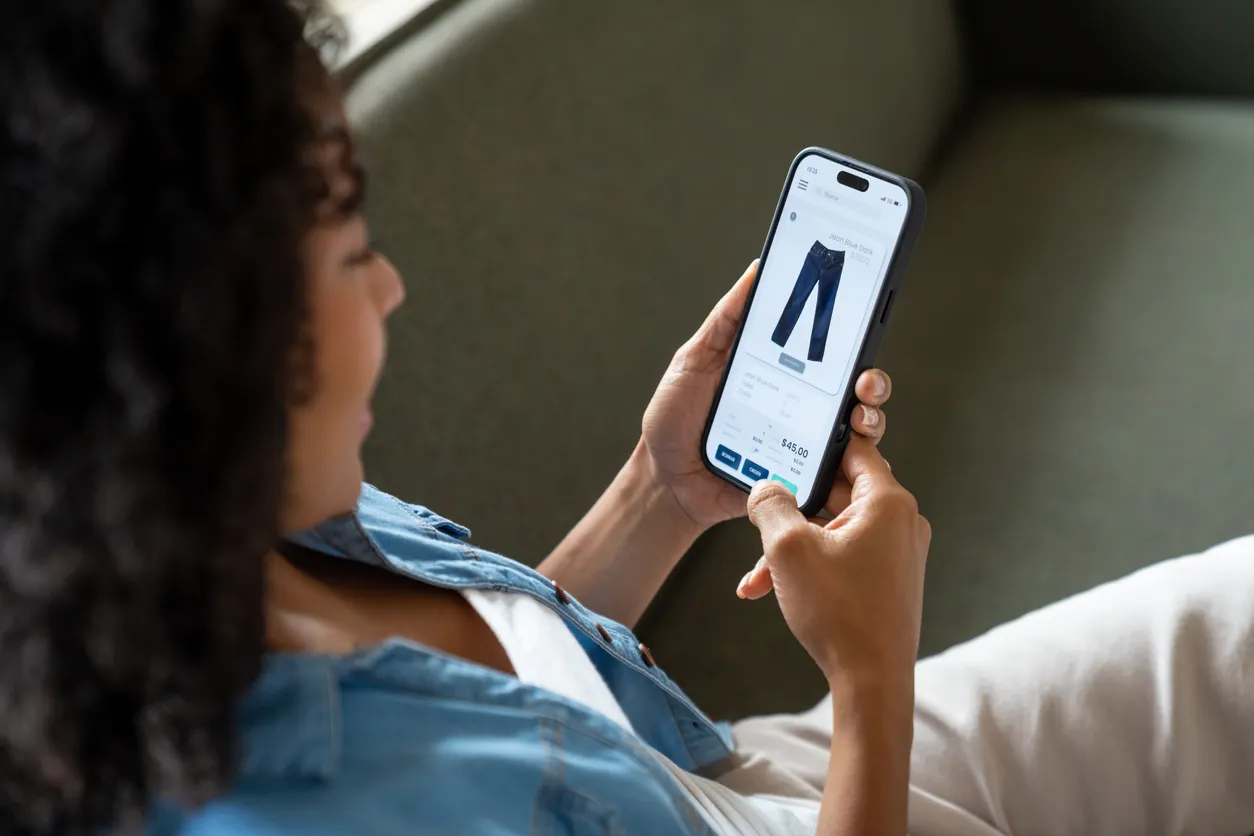

In a fast-paced market where prices fluctuate frequently, consumers often find it challenging to keep track of and take advantage of price drops for products they are interested in. Fortunately, advancements in technology have led to the introduction of price tracking features on mobile devices, particularly through Apple’s Safari browser and Google’s shopping tools. These features not only help buyers save money but also spare them from the hassle of continually checking product pages for updates.
| Article Subheadings |
|---|
| 1) Overview of Price Tracking Technologies |
| 2) Setting Up Price Alerts on Apple Devices |
| 3) Using Google Tools for Price Tracking on Android |
| 4) Features of Google’s Universal Cart |
| 5) Privacy Considerations in Price Tracking |
Overview of Price Tracking Technologies
In recent years, the integration of technology into daily life has significantly transformed shopping experiences for consumers. Consumers often find themselves questioning when is the best moment to buy a product, particularly as prices can frequently drop. In this context, price tracking has emerged as a valuable tool to enhance purchasing decisions. It allows consumers to receive alerts when prices fall or when items they desire come back in stock, which can lead to significant savings over time.
Apple’s Safari browser has introduced features specifically designed for this purpose through its Notify Me function. It allows users to track various elements on web pages beyond just the product prices. Similarly, Google has implemented shopping tools that facilitate price tracking across multiple platforms, including its own Chrome browser. Both Apple and Google offer solutions that cater to different users, whether they are on iPhones or Android smartphones.
Beyond simply alerting users of price changes, these features engage advanced algorithms to monitor retail websites effectively. By using notifications, both platforms save users time and energy, allowing them more freedom to decide which deals are genuinely worthwhile when they arise.
Setting Up Price Alerts on Apple Devices
Apple’s new feature, Notify Me, was introduced with iOS 27 as part of the Safari browser. This innovative tool offers users a straightforward method to receive notifications about changes to webpages they are interested in. For instance, should a user wish to track the price of a new pair of headphones, they can set a specific alert, such as “notify me when the price drops below $150.” Users can also track items that are out of stock and receive a notification when they are available again.
The Notify Me function operates using Apple Intelligence technology, which is specifically available on the most recent iPhone models, including the iPhone 15 Pro and iPhone 16. Models like the standard iPhone 15 and iPhone 15 Plus do not support this feature. To set this up, the following steps are required: open Safari, navigate to the desired product page, tap the Page Menu button, select Notify Me, and enter the specific criteria for tracking the desired item.
Once set up, Safari will check the specified site at regular intervals chosen by the user, which could be hourly, daily, or weekly. Alerts are sent when the conditions set by the user are met, providing a seamless experience that adapts to the user’s needs.
Using Google Tools for Price Tracking on Android
For users of Samsung Galaxy and Google Pixel devices, Google offers robust price tracking capabilities through its shopping tools, integrated into the Google app and the Chrome browser. The process begins with opening the Google app, searching for the desired product, and utilizing the price tracking options provided, such as a bell-shaped icon, which serves to track prices for specific products.
When using the Chrome browser, users can also set price drop alerts directly. By navigating to the product page and accessing the three-dot menu, users can select Track Price for available items. If successful, users will receive a notification whenever there is a change in price, helping them to make informed purchasing choices without the need to keep tabs open persistently.
Google’s tools even allow for tailored notifications, enabling users to select their preferred price point. Furthermore, email alerts can also be configured to ensure users are promptly informed when a tracked product meets their desired price.
Features of Google’s Universal Cart
One notable addition to Google’s suite of shopping tools is the Universal Cart, which was introduced earlier this month in the United States. This feature enables users to save items from a variety of retailers in a single location, simplifying the tracking process for consumers who regularly compare prices across platforms.
When users add an item to their Universal Cart, Google’s shopping tools continuously monitor the product’s price and send alerts when there are drops or when an item that was previously out of stock becomes available once again. Additionally, it can identify promotional codes and suggest payment methods that could enhance savings for consumers. This simplifies the buying process significantly, allowing shoppers to focus on items of interest while Google handles the tracking logistics.
With the emergence of Universal Cart, utilizing Google Search or the Gemini app to shop brings efficiencies that have not been present before, encouraging consumers to compare products seamlessly without the hassle of navigating multiple websites individually.
Privacy Considerations in Price Tracking
As beneficial as these price tracking features are, there are important privacy considerations that users should be aware of. When using tools like Google Shopping, your activity and preferences may be monitored as these platforms collect data to enhance user experience. It’s pivotal for users to review their privacy settings and ensure they are comfortable with how their data is utilized.
For iPhone users, Apple’s Safari Notify Me employs Apple Intelligence for monitoring changes on the web. Although this is designed to protect user information, potential concerns still arise regarding the type of data collected to facilitate such tracking services.
Users should always examine the permissions and data-sharing practices associated with these features. They have the option to enable or disable tracking and can adjust their privacy settings within each app or browser to align with their comfort levels.
| No. | Key Points |
|---|---|
| 1 | Price tracking technologies simplify the purchasing process, allowing consumers to save money. |
| 2 | Apple’s Notify Me feature helps users receive alerts on price changes on specific items through Safari. |
| 3 | Google’s shopping tools let users track prices easily on Android devices, offering alerts via the Google app and Chrome. |
| 4 | Google’s Universal Cart combines product monitoring and smart notifications in one convenient location. |
| 5 | Privacy considerations are crucial; users must understand data collection tied to these features. |
Summary
In conclusion, the advancements in mobile technology now allow consumers to monitor prices effortlessly and effectively. Both Apple’s Safari and Google’s shopping tools deliver valuable services that help shoppers capitalize on price drops without the hassle of manual tracking. Despite their benefits, users must remain aware of potential privacy implications and ensure they are comfortable with the settings of these applications. Overall, these price tracking features offer practical solutions for modern consumers looking to make informed purchases and save money in an increasingly competitive retail landscape.
Frequently Asked Questions
Question: How does Apple’s Notify Me feature work?
The Notify Me feature allows users to set alerts for specific products on Safari. Users can specify criteria, such as a price drop, and Safari will notify them when the conditions are met.
Question: Can I track prices on my Android device?
Yes, Android users can utilize Google’s shopping tools through the Google app and Chrome to track product prices and receive notifications of changes.
Question: What should I consider regarding privacy when using price tracking tools?
It is essential to be aware that these tools may collect data on your browsing habits and preferences. Reviewing privacy settings and understanding how your data may be shared is important for maintaining your privacy while using these features.
