

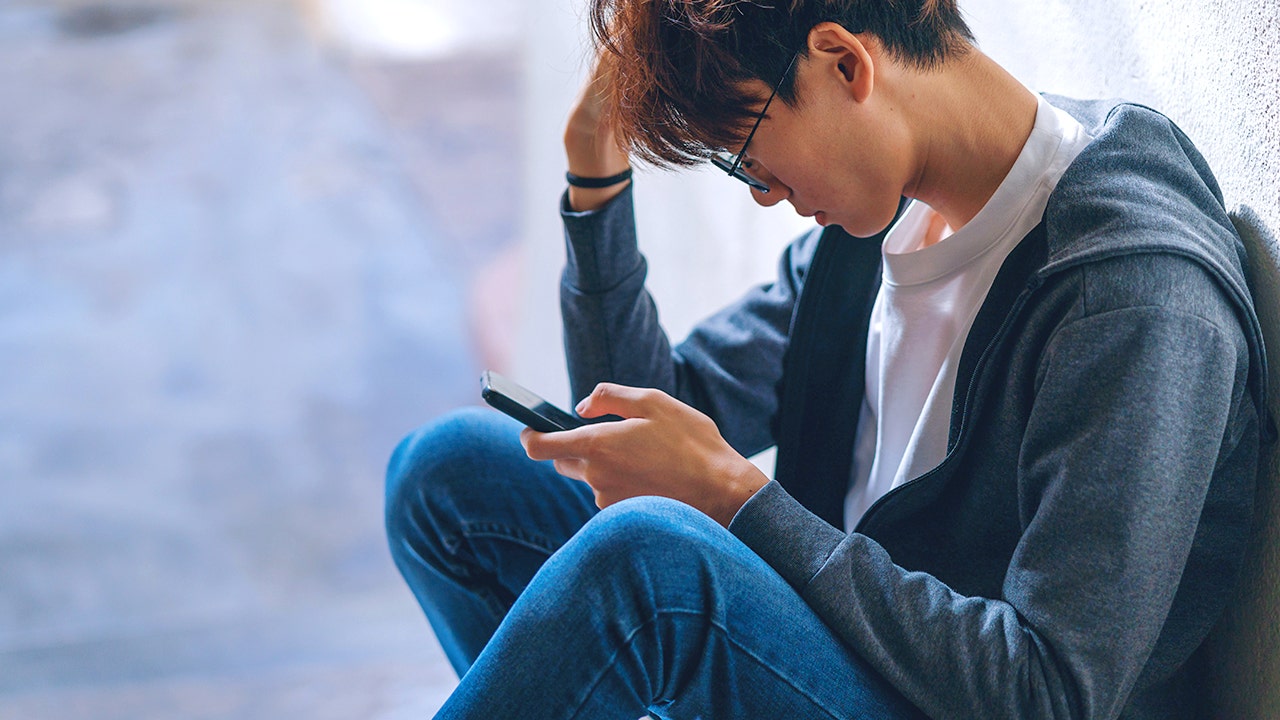

In the ever-evolving landscape of social media, users face increasing risks of privacy breaches and scams. As online interactions multiply, securing personal information is more crucial than ever. This article provides essential tips for maintaining safety and privacy on social media platforms, empowering users to enjoy these spaces without unwarranted exposure to danger.
| Article Subheadings |
|---|
| 1) Importance of Turning Off Location Sharing |
| 2) Setting Up a Private Account |
| 3) Reporting Suspicious Accounts |
| 4) Enabling Two-Factor Authentication (2FA) |
| 5) Reviewing Photos Before Posting |
Importance of Turning Off Location Sharing
Many social media applications automatically add your geographical location to posts, which can inadvertently expose your daily routines and home address to an audience of strangers. The capability to track someone based on their location tag poses significant risks, as it can lead to stalking or other unwanted intrusions into one’s private life. Users should actively disable this feature in their account settings.
For instance, on an iPhone, navigate to Settings, click on Privacy & Security, then tap Location Services. By selecting a specific app, users can choose to set location access to “Never” or “While Using the App.” On Android devices, similar steps can be taken by going to Settings, then Location, where users can adjust permissions for specific apps.
It’s crucial to not only disable location sharing for social media applications but also for other services like camera apps that may inadvertently tag locations in shared photographs. This proactive approach not only fortifies personal privacy but also diminishes the risks associated with scammers and unwanted attention.
Setting Up a Private Account
A private account limits visibility, meaning that only users approved by you can see your posts and photos. This is akin to securing the front door of your home. Social media platforms such as Facebook, Instagram, and TikTok offer features to make accounts private, thereby enhancing user privacy.
To set an account to private on Facebook, navigate to Settings & Privacy and then Settings. From there, scroll to the Audience & Visibility section and adjust settings for who can view your future posts. On Instagram, a simple toggle in the account privacy settings achieves the same effect. Setting up private accounts is a straightforward yet crucial feature that significantly mitigates the risk of unauthorized exposure online.
Reporting Suspicious Accounts
Fake profiles proliferate on social media, posing as friends, celebrities, or official customer service representatives. Reporting these accounts helps maintain a safer online community for all users.
Platforms like Facebook allow users to report suspicious profiles directly. By navigating to the fake profile, you can select Find support or Report profile from the options menu. Similarly, Instagram and TikTok provide easy reporting functionalities within user profiles. These mechanisms act as a safeguard against scams and identity theft.
Utilizing these reporting features is essential not just for individual safety, but also in contributing to a healthier online environment. By alerting social media companies about suspicious accounts, users can help prevent potential scams and safeguard others from falling victim to fraud.
Enabling Two-Factor Authentication (2FA)
Two-Factor Authentication enhances security by providing an additional layer of protection. This feature requires more than just a username and password; it entails entering a code sent to your mobile device as a secondary prompt for account access.
To enable this feature on Facebook, navigate to Settings & Privacy and select Security & Login. This option allows users to add layers of security that are difficult for hackers to bypass. Instagram offers similar options, prompting users to select their preferred verification method, whether via an authentication app or SMS.
For TikTok, users can enhance their security by enabling 2FA through the profile settings under Security and permissions. This precaution is vital, as it substantially lessens the likelihood of unauthorized account access, even if a malicious individual obtains the user’s password.
Reviewing Photos Before Posting
Photos shared on social media can contain not just visual content, but also hidden information such as home addresses or license plates that can disclose personal details. It is important for users to be mindful of what they are sharing.
Before posting images, a solid approach is to check for any identifiable information that might be unintentionally revealed. Consider cropping or blurring backgrounds that display personal property or locations. Additionally, abstaining from posting in real-time while traveling can prevent others from knowing you are away from home.
In essence, conducting a thorough review of images prior to sharing serves as an effective safeguard against accidentally exposing sensitive details that could be exploited by malicious entities.
Ultimately, the overarching goal of these tips is to empower social media users with the awareness and tools needed to maintain their online privacy. The fewer details available about users, the harder it becomes for scammers to devise successful schemes.
| No. | Key Points |
|---|---|
| 1 | Disabling location sharing on social media apps mitigates risks of revealing personal information. |
| 2 | Setting accounts to private significantly limits exposure to unauthorized viewers. |
| 3 | Reporting suspicious accounts helps foster a safer online community. |
| 4 | Two-Factor Authentication (2FA) provides an additional security layer for accounts. |
| 5 | Thoroughly reviewing photos prior to posting prevents unintended revelation of sensitive information. |
Summary
In summary, maintaining safety on social media requires active participation from users in managing their privacy settings. By following the outlined steps—such as disabling location sharing, generating private accounts, and leveraging two-factor authentication—individuals can navigate the digital world with greater security and ease. Establishing thoughtful practices around sharing photos and reporting suspicious activity contributes to a safer online environment for everyone.
Frequently Asked Questions
Question: How can I turn off location sharing on my smartphone?
To turn off location sharing, check your phone’s settings under Privacy, select Location Services, and adjust app settings accordingly to restrict access.
Question: What are the benefits of having a private account on social media?
A private account restricts visibility to approved followers only, ensuring that personal posts are shared only with trusted individuals.
Question: What should I do if I encounter a suspicious account on social media?
You should report the account using the reporting features provided by the platform, helping to keep the online environment safe for all users.
