

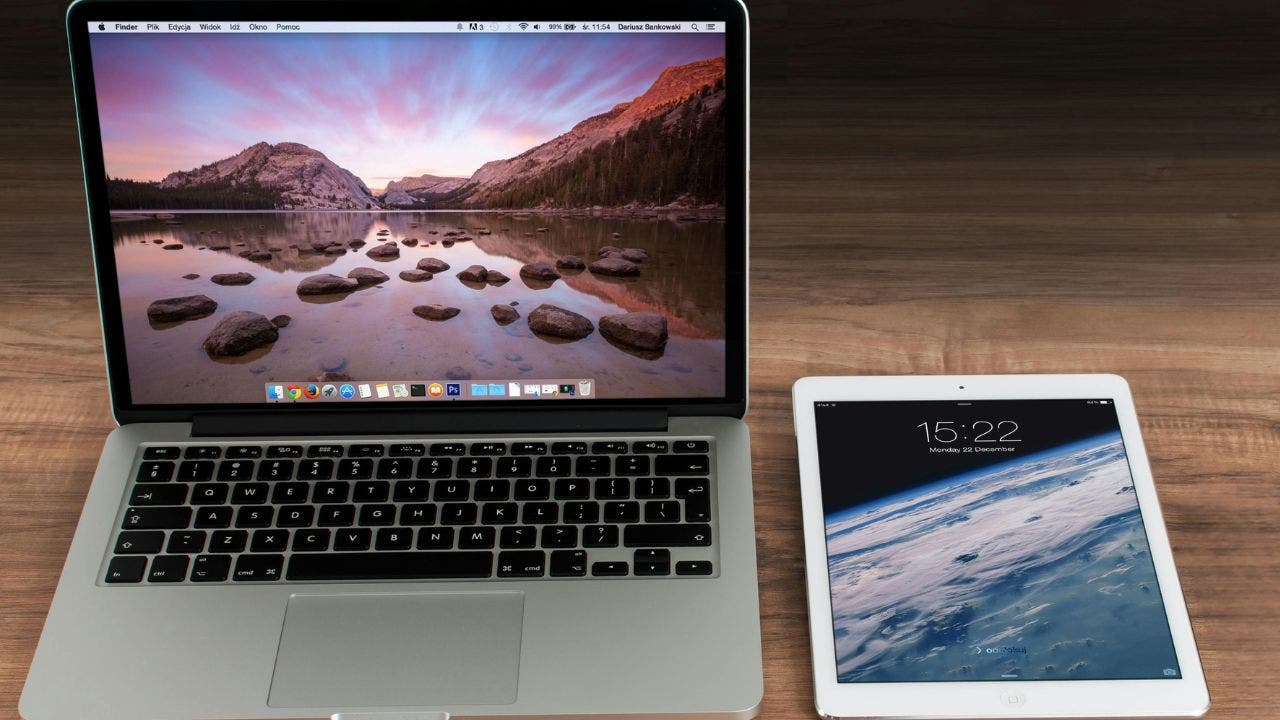

In an increasingly digital world, managing an overflowing inbox can be a daunting task for many users. For those using Apple devices, cluttering text message threads can spiral out of control, making it difficult to retrieve important conversations or simply keep a tidy interface. Fortunately, Apple has equipped its users with simple and efficient methods to delete multiple messages on both Mac computers and iPads. This guide elaborates on how to effectively manage your message clutter and regain control of your digital messaging space.
| Article Subheadings |
|---|
| 1) Deleting entire conversations from various people on a Mac |
| 2) Deleting multiple text messages within a conversation on a Mac |
| 3) Deleting entire conversations from various people on an iPad |
| 4) Deleting multiple messages within a conversation on an iPad |
| 5) Setting up automatic message deletion on a Mac |
Deleting entire conversations from various people on a Mac
Managing text messages on a Mac can streamline your communication experience. To delete entire conversations from multiple contacts:
- Firstly, launch the Messages app on your Mac.
- Hold down the Command (Cmd) key while clicking on each conversation you wish to delete. This allows you to select multiple conversations at once.
- Next, navigate to the top menu and click on Conversation.
- Scroll down and select Delete Conversations.
- If prompted, confirm the deletion by clicking Delete.
This method not only saves time but helps users maintain a clean and organized messaging interface, reducing the stress of sifting through irrelevant conversations.
Deleting multiple text messages within a conversation on a Mac
If you prefer to delete specific messages within a single chat thread, follow these steps:
- Launch the Messages app and open the conversation from which you want to remove messages.
- Hold down the Command (Cmd) key and click on each message you want to delete. Selected messages will change to a dark gray color.
- Once you’ve selected the messages, simply press the Delete key on your keyboard.
- Confirm the deletion if prompted by clicking Delete.
This feature is especially useful for cleaning up conversations that may contain repetitive messages or unwanted replies without the need to delete the entire thread.
Deleting entire conversations from various people on an iPad
For iPad users, the process of deleting entire conversations is similarly straightforward. To do this:
- Open the Messages app on your iPad.
- In the main conversation list, locate the conversations you wish to delete.
- Tap Edit in the top-left corner.
- Now, check the boxes next to the conversations you want to delete.
- Tap the Delete button at the bottom-right corner to complete the action.
This procedure ensures you can promptly eliminate unnecessary chat threads, saving you time and keeping your device efficient.
Deleting multiple messages within a conversation on an iPad
If your intent is to delete certain messages inside a conversation on your iPad, follow these steps:
- Open the Messages app and select the conversation containing the messages you want to delete.
- Touch and hold one of the message bubbles until a context menu appears.
- Tap on More… from the menu.
- Select multiple messages by tapping the checkboxes next to each message bubble.
- After selecting your messages, tap the Trash icon in the bottom-left corner.
- Confirm the deletion when prompted.
This method allows for a customized approach to message management, enabling users to selectively clear unwanted content without removing entire threads.
Setting up automatic message deletion on a Mac
To further manage your messaging space, Apple provides an option for automatic message deletion:
- Open the Messages app on your Mac.
- Navigate to Messages in the top menu.
- Select Settings.
- Navigate to the General tab.
- Click on the Keep messages pop-up menu and choose your preferred time frame (options include 30 days or one year).
This feature automatically deletes older messages based on the specified time frame, ensuring your conversations remain organized and manageable over time.
| No. | Key Points |
|---|---|
| 1 | Users can delete entire conversations or specific messages to maintain their messaging app’s organization. |
| 2 | Management features are available on both Mac and iPad devices, making it user-friendly across platforms. |
| 3 | Automatic message deletion helps users keep their messaging apps clutter-free without manual intervention. |
| 4 | Deleting messages from one device may not affect messages on other devices unless Messages in iCloud is enabled. |
| 5 | Users are encouraged to regularly manage their messages to create a more streamlined communication experience. |
Summary
Managing text messages on Apple devices can significantly enhance the user experience by providing efficient methods to declutter both the Mac and iPad messaging applications. By utilizing the steps outlined in this guide, users can take full control of their messaging history, ensuring that important conversations remain accessible while unnecessary clutter is minimized. Embracing these practices can lead to a smoother, less stressful communication experience in our digital lives.
Frequently Asked Questions
Question: Can deleting messages on my Mac also delete them on my iPhone?
No, deleting messages from your Mac will not remove them from your iPhone unless you have Messages in iCloud enabled.
Question: How do I confirm deletion of messages on my iPad?
After selecting the messages you want to delete, tap the Trash icon, and a prompt will ask you to confirm your deletion. Simply tap Delete to proceed.
Question: Is there a way to automatically delete older messages?
Yes, you can set your Messages app on your Mac to automatically delete messages after a certain period by selecting the timeframe in the Settings under the General tab.
