

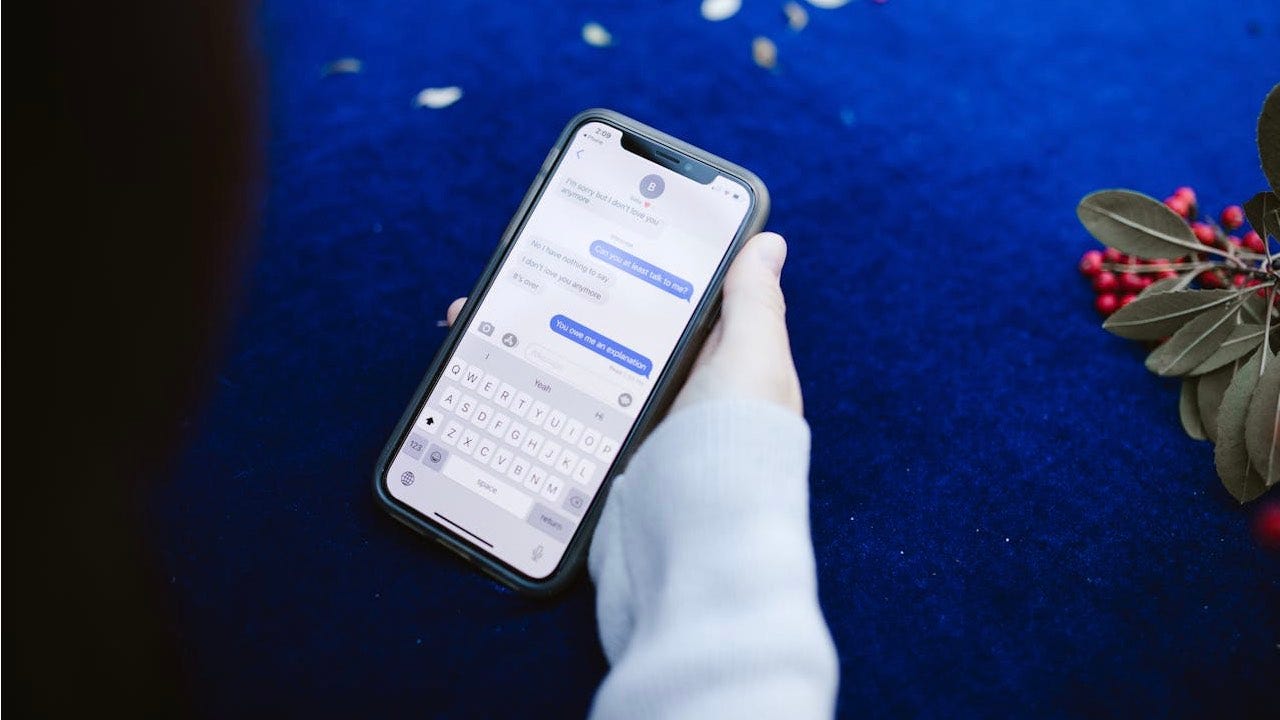

Accidentally deleting important text messages on an iPhone or iPad can create a sense of urgency and frustration for users. Fortunately, Apple provides built-in features that allow users to retrieve recently deleted messages, which can be particularly convenient when important details are lost. This article will guide users through the process of recovering deleted messages and offer tips on how to use message filtering to better manage text conversations on their devices.
| Article Subheadings |
|---|
| 1) Understanding Message Filtering on iPhone and iPad |
| 2) Steps to Enable Message Filtering |
| 3) How to Recover Deleted Messages on Your iPhone |
| 4) Recovery Steps for Turning On Message Filtering |
| 5) Key Considerations for Message Recovery |
Understanding Message Filtering on iPhone and iPad
Message filtering is a vital feature available on iPhones and iPads that helps users manage their incoming texts by organizing them into various categories. It sorts messages into known senders, unknown senders, unread messages, and all messages. This organization can reduce clutter and assist individuals in quickly finding important communications. Users who have not enabled this feature may find it challenging to recover deleted messages, as filtering significantly enhances the way messages are displayed and accessed.
The feature can be particularly helpful in dealing with spam or unwanted messages, allowing users to focus on relevant communications from people within their contact list. By utilizing message filtering, individuals can improve their overall messaging experience and streamline the way they interact with current conversations.
Steps to Enable Message Filtering
Enabling message filtering on your iPhone or iPad is a straightforward process. To do this, users need to navigate through the device’s settings. The steps are clearly outlined as follows:
- Open the Settings app on your iPhone or iPad.
- Scroll down and select Messages.
- Look for the Message Filtering section and turn on the switch next to Filter Unknown Senders.
Once activated, the Message Filters option will allow users to see their messages categorized effectively, streamlining the practice of finding important texts while minimizing distractions from unknown sources. This can lead to a more enjoyable user experience as individuals can prioritize their communications better.
How to Recover Deleted Messages on Your iPhone
For users who have accidentally deleted messages, recovering those texts is essential, especially if they contain valuable information. Apple has included simple recovery procedures that can restore messages deleted within a determined timeframe. Here’s how to revert to deleted conversations:
For iPhone and iPad models running on iOS 16 or later, users can follow these steps to recover deleted messages:
- Open the Messages app on the device.
- If you have not turned on Message Filtering, tap Edit in the top-left corner of the screen.
- Choose Show Recently Deleted in the dropdown menu.
- Select either Recover All or select individual text messages to recover. Confirm your choice by tapping Recover Messages.
This recovery method allows users to quickly restore messages that they may need to reference again, ensuring minimal disruption to the user’s daily workflow.
Recovery Steps for Turning On Message Filtering
If users have enabled Message Filtering, the procedure for recovering deleted messages differs slightly. Here’s how to initiate the recovery process:
- Open the Messages app on your device.
- Tap Filters in the top-left corner to access filtered categories.
- Select Recently Deleted to view deleted messages.
- From here, you can either tap Recover All or select an individual message to recover, confirming your choice in the same way as before.
This method allows users to find their deleted conversations even more efficiently, focusing on what’s essential while keeping unnecessary messages at bay.
Key Considerations for Message Recovery
When attempting to recover deleted messages, it is crucial for users to keep in mind certain key considerations. Firstly, only messages that have been deleted within the last 30 to 40 days can be recovered. Subsequently, if messages were deleted prior to an update to iOS 16 or iPadOS 16.1, recovery of those messages is not possible. Therefore, if a user seeks to restore a message that was deleted too long ago or wasn’t updated to the latest operating system, they will unfortunately be unable to retrieve that information.
By understanding the limitations and timeframes associated with message recovery, users can better navigate their attempts to retrieve valuable information, ensuring they manage their messaging applications effectively.
| No. | Key Points |
|---|---|
| 1 | Message filtering allows users to categorize incoming texts for better organization. |
| 2 | Enabling message filtering is a straightforward process through the device settings. |
| 3 | Users can recover deleted messages from apps running iOS 16 and later. |
| 4 | Individuals who have enabled message filtering have a different recovery process compared to those who haven’t. |
| 5 | Only messages deleted within 30-40 days can be recovered; messages deleted before the latest OS update cannot be restored. |
Summary
The ability to recover deleted text messages on iPhones and iPads is an essential feature for users who might inadvertently lose important conversations. By utilizing the built-in message filtering and recovery methods, individuals can streamline their messaging experience and minimize the frustration of lost information. This process not only enhances communication management but also helps in maintaining important interactions that could otherwise be forgotten. By staying informed about how to enable filtering and recover messages, users can ensure that vital information is always within reach.
Frequently Asked Questions
Question: What should I do if my deleted messages are not appearing even after following recovery steps?
If your deleted messages do not appear after following the recovery steps, it is possible that they were deleted outside the recovery window of 30-40 days, or the messages were deleted before updating to iOS 16. In such cases, recovery may not be possible.
Question: Can I recover messages without enabling message filtering?
Yes, users can recover deleted messages without enabling message filtering. They can follow the built-in recovery steps within the Messages app regardless of filtering settings.
Question: How can I prevent accidental deletion of text messages?
To prevent accidental deletion of messages, users can adopt careful practices while navigating through their text conversations, avoid rapid swiping gestures, and make use of message pinning features for important conversations.
