

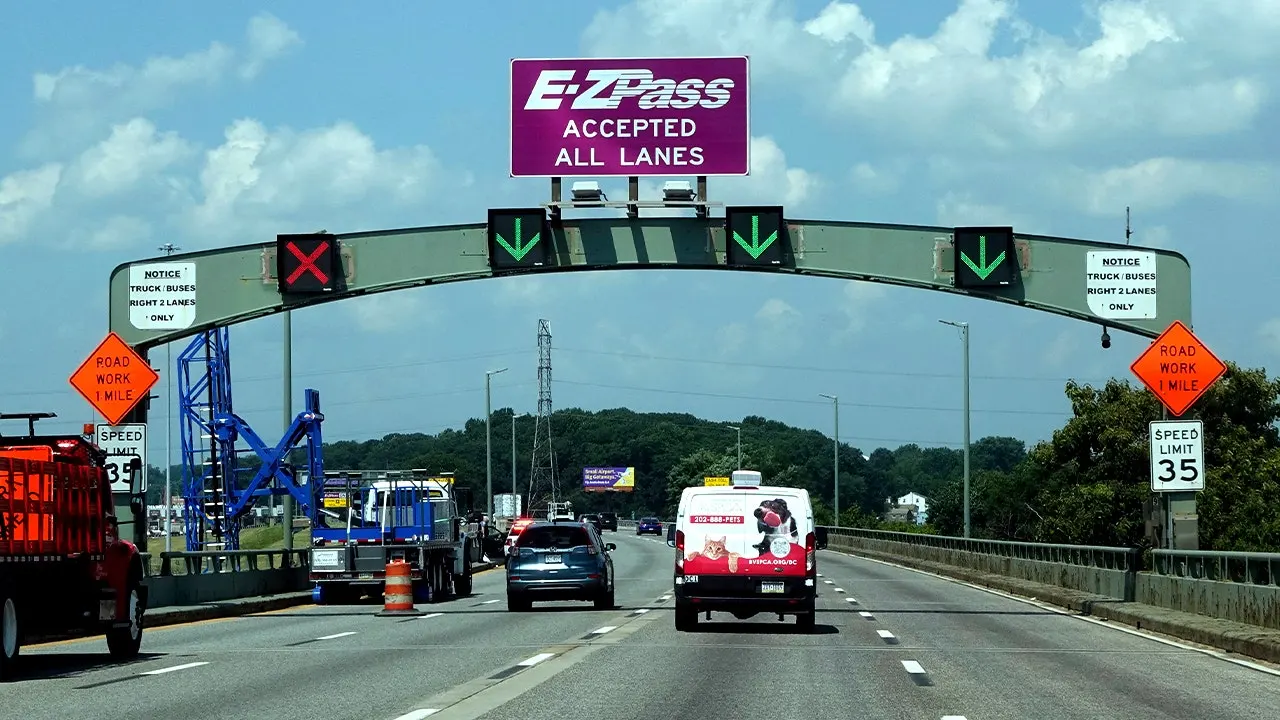

A recent phishing email scam has targeted E-ZPass users, creating urgency by claiming overdue tolls that could lead to penalties and registration issues. The email, designed to look legitimate with official branding, includes threats of fines while requesting immediate payment from unsuspecting recipients. Cybersecurity experts emphasize the importance of recognizing red flags to avoid falling victim to such scams.
| Article Subheadings |
|---|
| 1) How this fake E-ZPass email scam works |
| 2) Warning signs that reveal the fake E-ZPass email |
| 3) Why fake E-ZPass scams keep targeting drivers |
| 4) How to protect yourself from fake E-ZPass emails |
| 5) What to do if you already clicked or paid |
How this fake E-ZPass email scam works
The phishing attempt begins with an email that has a subject line stating, “Your E-ZPass Account Has an Overdue Balance.” Claiming to be from the “E-ZPass Violations Dept,” the email includes official-looking logos and a fabricated reference number to lend credibility to the message. The text warns recipients that their recent toll payment could not be processed due to reasons such as insufficient funds or an expired payment method. This plausible explanation is meant to catch the attention of the recipient, heightening their worry about potential penalties.
Accompanying the alert is intense pressure, asserting that failure to settle the outstanding balance could result in collections and additional civil penalties of up to $100. The email references a federal regulation to give its claims a veneer of authority, compelling recipients to act swiftly. The presence of a “Pay Now” button is featured prominently, alongside options to update payment information or dispute the alleged violation. This structure aims to mislead individuals into clicking through to a fraudulent payment website, where scammers may collect sensitive financial data.
Warning signs that reveal the fake E-ZPass email
Despite its superficial similarity to genuine communications from E-ZPass, this phishing email is riddled with telltale signs that it is indeed a scam. One of the first noticeable indicators is the email address from which the message originates. Instead of a legitimate E-ZPass address, it ends with an obscure domain such as @cashcoma.cooljz.com, signalling that it may not originate from a trusted source. Although the sender’s name might appear legitimate, verifying the embedded email address is crucial in determining authenticity.
Furthermore, the email instructs recipients to check their spam folders and to add the sender to their contacts, which is another clear red flag. Legitimate companies rarely request such actions in a payment notice, especially alongside an alarming demand for payment. The email also mentions citation of a federal regulation, purportedly to substantiate its claims, yet the referenced regulation, 23 CFR Part 940, actually relates to intelligent transportation systems and does not involve payment obligations, demonstrating that the scammers are exploiting regulations for misleading purposes.
Why fake E-ZPass scams keep targeting drivers
The prevalence of toll phishing scams has been noted over the years, as scammers increasingly evolve their tactics with technological advancements. Many drivers are more familiar with receiving such warnings through text messages, but the shift towards polished emails signifies a new angle for scammers aiming to target victims. The fraudulent E-ZPass emails capitalize on the system’s reputation, leveraging familiarity with its branding, while employing a growing sense of urgency to induce panic among recipients.
Reports indicate that complaints regarding government impersonation scams, including those linked to overdue tolls, have experienced a sharp rise. According to recent data from the Federal Trade Commission, toll-related scams contributed significantly to a 40% increase in government impersonation fraud reports in 2025. Scammers manipulate these messages to pressure victims into immediate payment as they threaten further financial repercussions. The E-ZPass Group has issued warnings about such manipulative tactics, clarifying its role as merely a facilitator of payment services, with individual agencies responsible for account management.
How to protect yourself from fake E-ZPass emails
Internally analyzing unexpected emails is essential when it comes to safeguarding yourself against potential scams. Primer measures should start with checking the E-ZPass account directly using the toll provider’s official website instead of any link featured in suspicious emails. Logging into your account via the established website can help discern if there are outstanding balances or artificial claims of violations. For assistance, reach out to customer service utilizing verified contact numbers associated with the agency, which can typically be found on their official webpage.
Being cautious about unexpected payment links is imperative. Links can often redirect to pages that closely mimic legitimate sites, potentially leading to compromised financial information if clicked. Furthermore, closely reviewing the sender’s address is crucial; a mismatch between the displayed name and the email address is a significant warning sign of phishing.
Scammers often leverage tactics that incite panic. Thus, it’s important to take ample time in evaluating any claims of fines that might arise from an unexpected email. Fear-based tactics can motivate unthoughtful actions, emphasizing the necessity of vigilance prior to taking action on these types of notifications.
What to do if you already clicked or paid
If you’ve accidentally clicked a link in a phishing email or made a payment, the next steps can mitigate potential damage. First, close the suspicious website if you did not enter confidential information. It’s advantageous to run a security scan on your device as a precaution. Conversely, if you entered credit card details, immediately contact your card issuer to report the incident, expressing potential fraudulent activity, and ask for a card replacement.
In instances where personal information was shared, prompt steps should be taken to safeguard against identity theft. Depending on what information was disclosed, consider filing a fraud alert with credit bureaus or freezing your credit. You can find personalized guidance at identitytheft.gov to navigate recovery effectively.
Securing your identity after a breach can include reporting the misleading email and designating it as phishing through your email provider. Reporting helps authoritative agencies track fraudulent incidents and can assist in warning others.
| No. | Key Points |
|---|---|
| 1 | Recent phishing scams target E-ZPass users, leveraging urgency to solicit payments. |
| 2 | Emails often contain threats of penalties and feature official-looking branding. |
| 3 | Suspicious email addresses and requests to bypass your junk folder list are key red flags. |
| 4 | Checking your E-ZPass account directly without clicking links in emails is crucial. |
| 5 | If you clicked a link or provided information, take immediate actions to protect your accounts. |
Summary
This emergent phishing scheme tapping into E-ZPass accounts demonstrates the growing sophistication of scammers. Utilizing familiar branding and urgent tones not only garners attention but also elevates the risk of financial loss. By understanding the warning signs and retaining a cautious approach to unexpected emails, consumers can fortify their defenses against these deceiving attempts. Vigilance and verification serve as essential strategies in mitigating the threats posed by phishing scams, ensuring that individuals retain control of their financial and personal information.
Frequently Asked Questions
Question: How can I identify a phishing email?
Phishing emails often contain unfamiliar email addresses, spelling errors, and unsolicited payment requests. They may also employ urgency to pressure the recipient into immediate action.
Question: What steps should I take if I receive a suspicious email?
Firstly, do not click any links. Instead, verify the sender’s address and check with the organization directly through official channels. Report the email as phishing to your email provider.
Question: How can I protect my personal information online?
Using strong passwords, enabling multi-factor authentication, and regularly reviewing your online accounts for suspicious activity can help protect your personal information from phishing attacks.
